Design
The hidden 80% of UX in healthcare product development


From AI-assisted design to continuous product improvement, explore seven UX/UI trends shaping 2027 and what they mean for businesses building and maintaining digital products.

AI can generate an interface in minutes, but making it intuitive, accessible, genuinely useful, and on brand still requires expertise. As design tools become faster and digital products more complex, businesses need to rethink how they approach UX/UI design.
According to Figma's 2026 AI Report, 90% of respondents consider design at least as important as it was before AI, with nearly six in ten saying it has become even more important.
So, what should businesses focus on as they plan for 2027? Here are seven UX/UI design trends worth paying attention to.
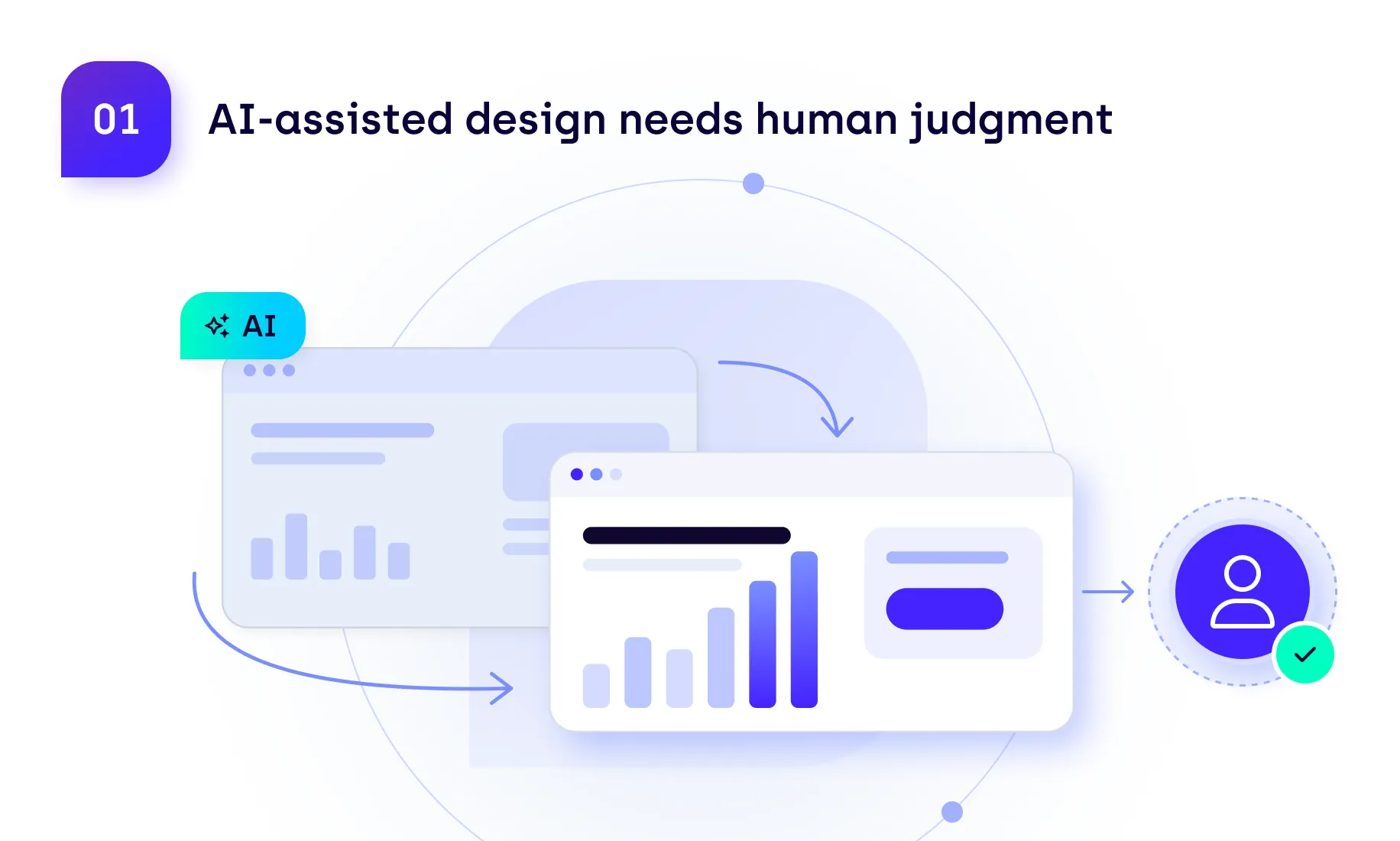
AI is already helping designers generate layouts, explore concepts, and build prototypes faster. Figma's State of the Designer 2026 found that 89% of surveyed designers said AI helped them work faster, while 91% felt that AI tools improved their designs.
Yet speed doesn't guarantee quality. AI can produce convincing interfaces without fully understanding user behavior, business context, or the complexity of real-world workflows.
Example in practice: Imagine asking AI to design a dashboard for a finance team. It might produce a clean layout with attractive charts, yet bury the overdue payments that employees need to check every morning. The interface looks finished, but it doesn't reflect how people actually work.
What this means for businesses: Use AI to speed up early design work, but involve experienced designers in deciding what information matters, how workflows should function, and whether the result meets real user needs.
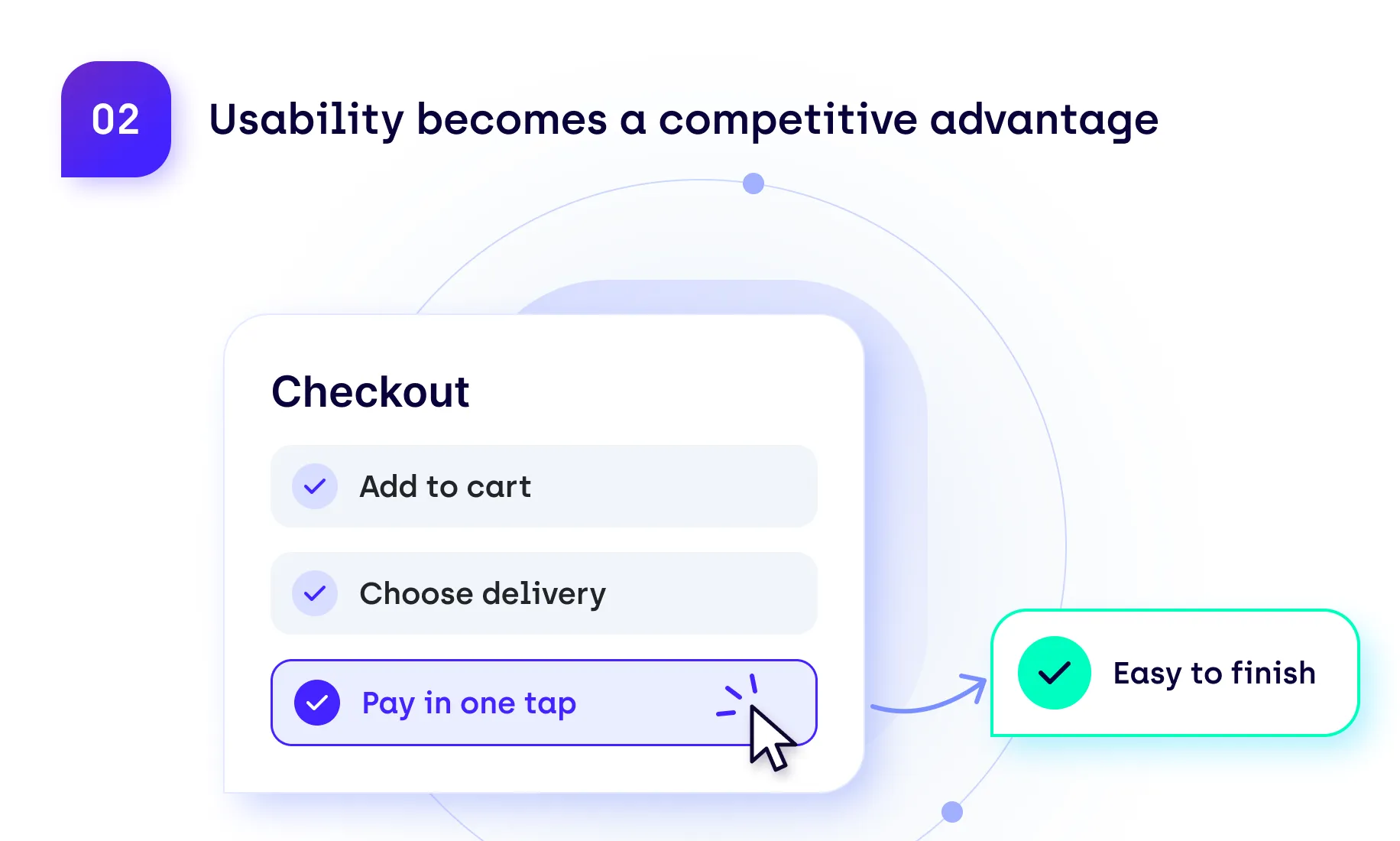
Even small usability issues can have a significant impact when users encounter them every day. Confusing navigation, unnecessary steps, and poorly structured workflows can slow people down, increase frustration, and make otherwise capable products difficult to use.
Nielsen Norman Group's State of UX 2026 emphasizes the importance of moving beyond interface production toward understanding user problems and designing experiences that address them.
Example in practice: Think of an employee who needs to approve dozens of expense reports every Friday. If each approval requires opening a separate page, checking the details, and navigating back to the list, those extra clicks quickly add up. A clearer overview and the ability to approve routine requests directly from the list could make a noticeable difference.
What this means for businesses: Look for friction in the tasks users perform most often. Small improvements to everyday workflows can deliver more value than a complete visual redesign.
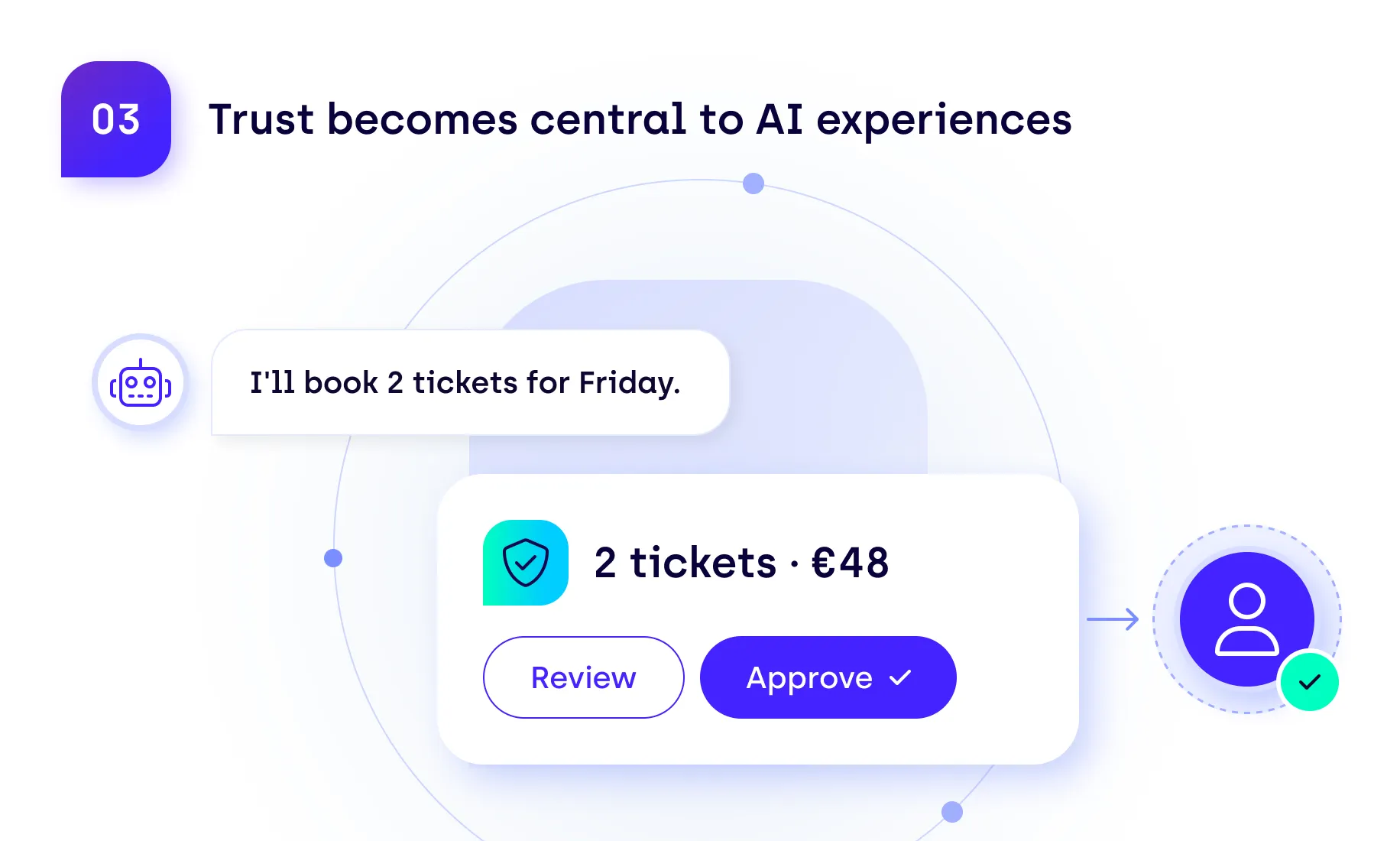
As AI agents take on more responsibilities within business applications, UX/UI design must address how users understand and control automated actions.
Adobe's 2026 AI and Digital Trends Consumer Report found that 37% of surveyed consumers would stop interacting with a brand if they discovered they were communicating with AI when they expected a human.
The research also found that customers are less comfortable letting AI handle sensitive information or make important decisions without human involvement.
Example in practice: Consider a customer service agent that asks an AI assistant to resolve a billing dispute. The AI identifies a possible duplicate charge and prepares a refund, but the employee needs to see the reason and amount before approving it. The interface should make that review straightforward, rather than leaving the employee guessing how the AI reached its recommendation.
What this means for businesses: Build transparency and human oversight into AI-powered experiences from the start. Show users what the system has done, explain important recommendations, and provide clear options to review decisions or involve a person when needed.
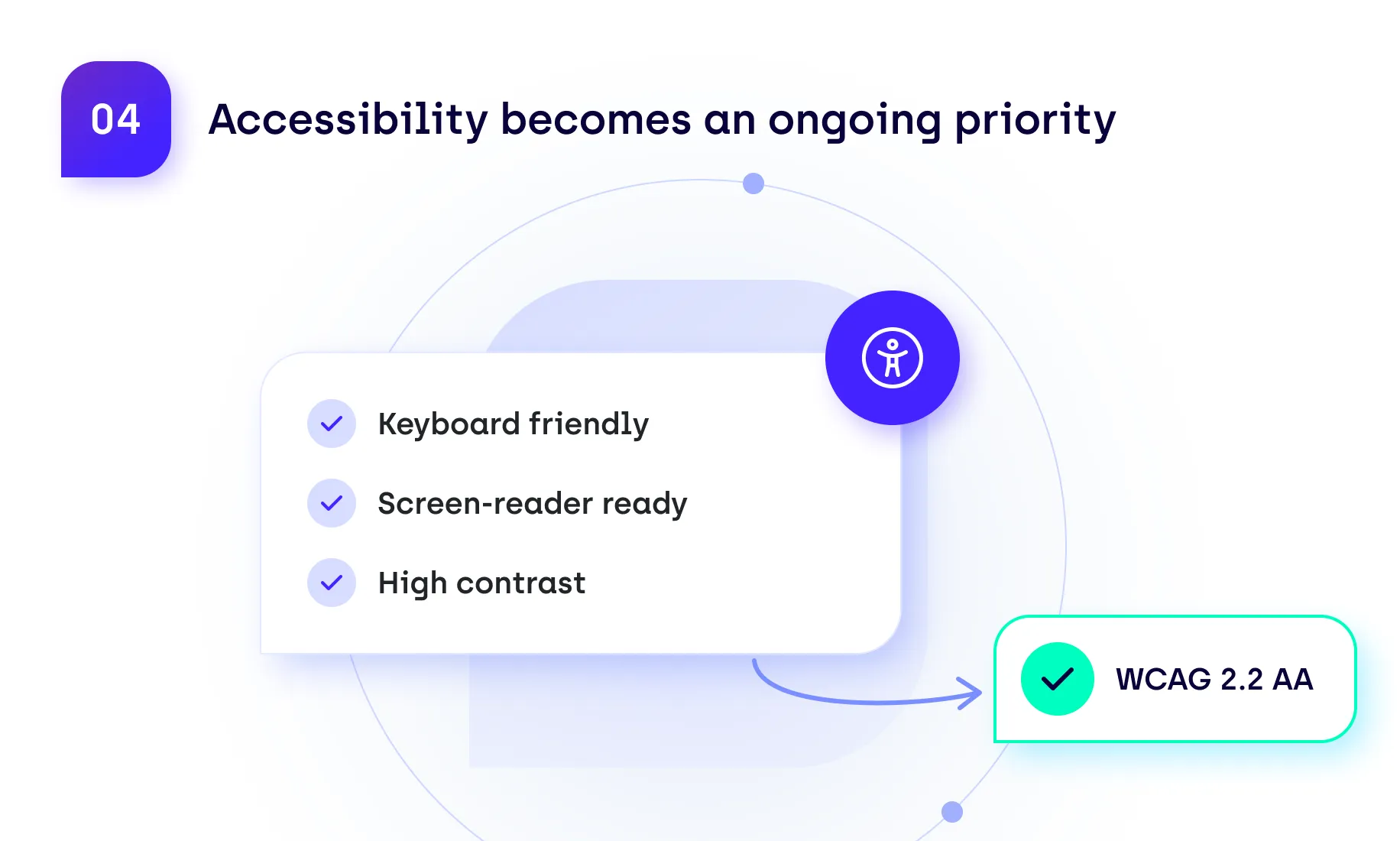
Accessibility can't remain a checklist completed before launch. As digital products evolve, new features and interface updates can introduce barriers that affect how people use them.
WebAIM's 2026 Million report found that 95.9% of the one million home pages analyzed had automatically detectable accessibility failures. Common issues included low-contrast text, missing alternative text, and improperly labeled forms.
Example in practice: A team might add a new date picker to a booking form without realizing it can't be operated using a keyboard. The feature works perfectly with a mouse, so the problem goes unnoticed until someone using assistive technology tries to complete a booking.
What this means for businesses: Check accessibility whenever interfaces change, not just before launch. Include keyboard navigation, screen-reader compatibility, and other accessibility requirements in regular design reviews and testing.
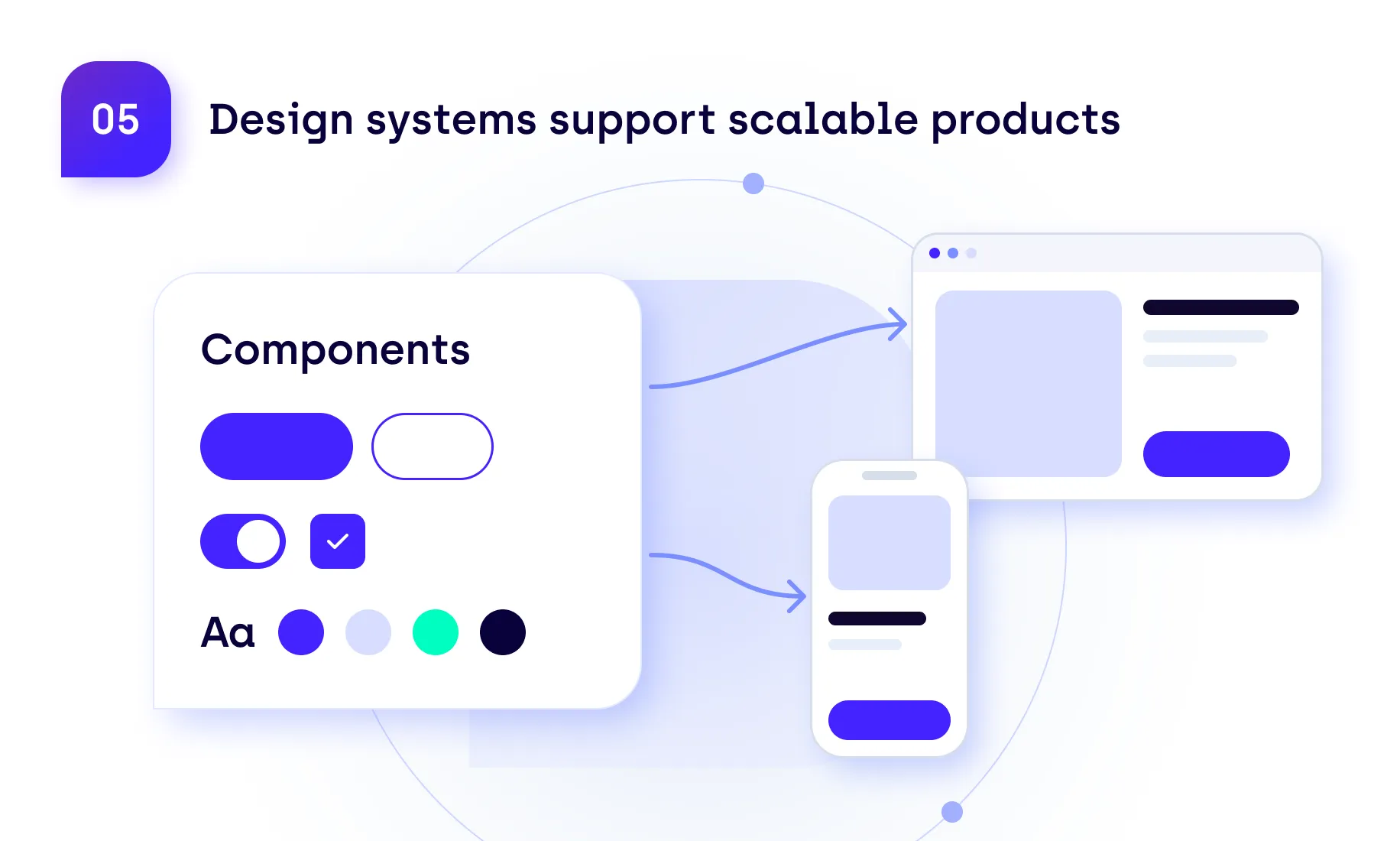
As products grow, different teams may introduce their own components, visual styles, and interaction patterns. Without shared standards, the experience can gradually become inconsistent and more difficult to maintain.
Design systems provide reusable components and guidelines that help teams maintain quality while reducing duplicated work.
zeroheight's 2026 Design Systems Report highlights the growing cross-functional scope of design systems, with software engineers accounting for 20% of its survey respondents, compared with 12% in the previous edition. While based on a relatively small sample, the findings illustrate the increasingly collaborative nature of design systems.
Example in practice: Imagine a SaaS platform where the billing, reporting, and account management modules were developed by different teams. One uses blue buttons to confirm actions, another uses green, and a third places confirmation controls somewhere entirely different. A shared design system helps prevent these inconsistencies while giving developers components they can reuse.
What this means for businesses: Treat design systems as shared resources for designers and developers. Keep components documented, maintained, and consistent across the product.
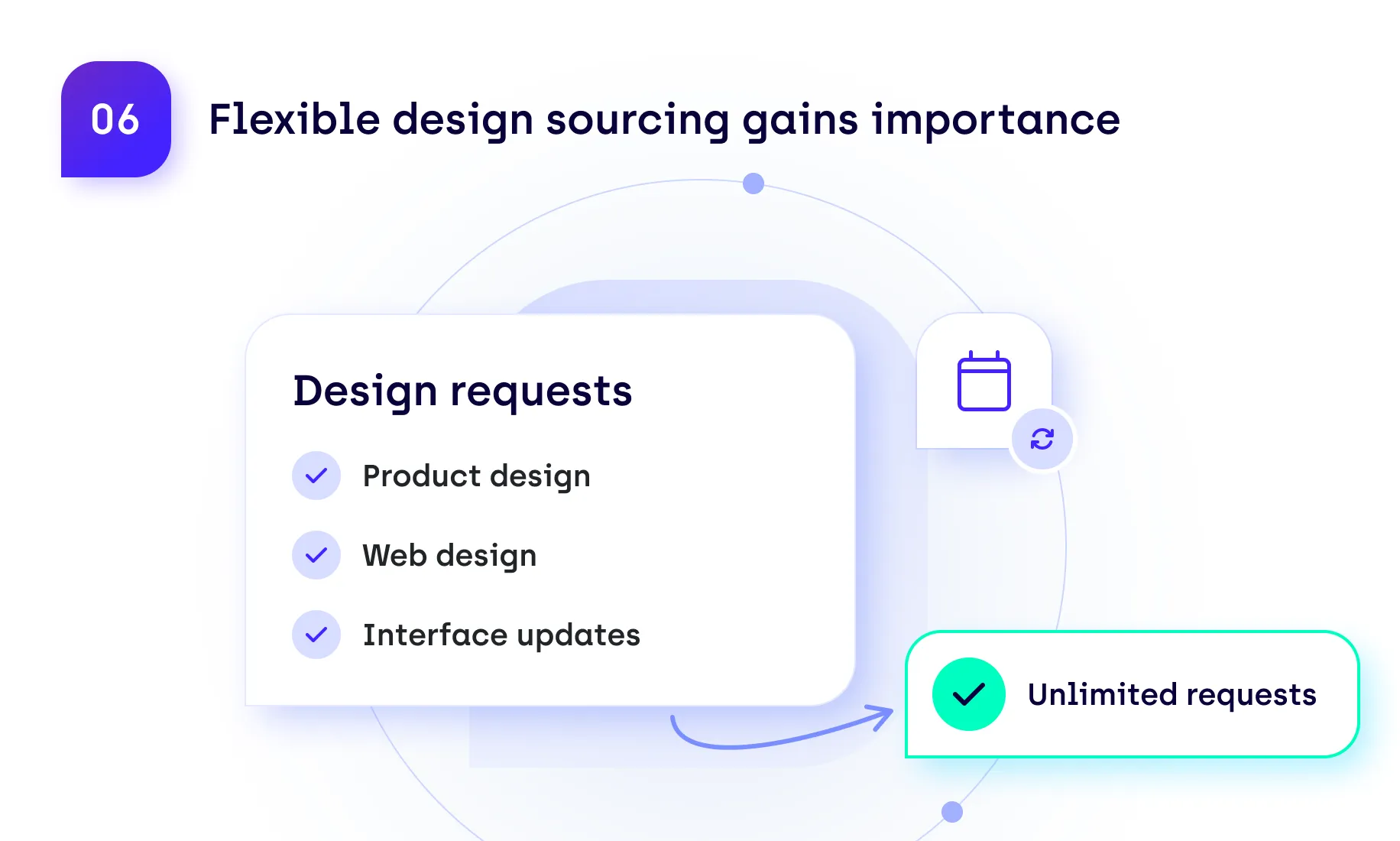
Design demand is rarely predictable. A product launch might require intensive UX/UI work, while the following months bring smaller requests for website improvements, marketing assets, or interface updates. Maintaining permanent capacity for peak workloads isn't always the most efficient option.
For businesses facing fluctuating workloads, this makes the choice of design sourcing model particularly important. In-house teams offer continuity, project-based outsourcing suits defined initiatives, and subscription-based services provide flexible support for recurring or changing requirements.
Example in practice: Take a SaaS company preparing to launch a new feature. Its team needs help with onboarding screens, a landing page, and several product illustrations. Once the feature goes live, those requests slow down, but smaller improvements continue to come in. Hiring another full-time designer might be difficult to justify, while repeatedly finding freelancers for individual tasks takes time.
What this means for businesses: Match your design sourcing model to how work actually arrives. If requests are frequent but vary in size and urgency, flexible external support can help maintain access to expertise without committing to permanent headcount.
Digital products are never truly finished. New features, changing user expectations, and evolving business requirements create ongoing opportunities for improvement.
Yet many organizations still approach design through occasional large projects, leaving smaller usability issues unresolved until the next redesign.
McKinsey's The Business Value of Design research highlights continuous testing and iteration as important elements of effective design practices.
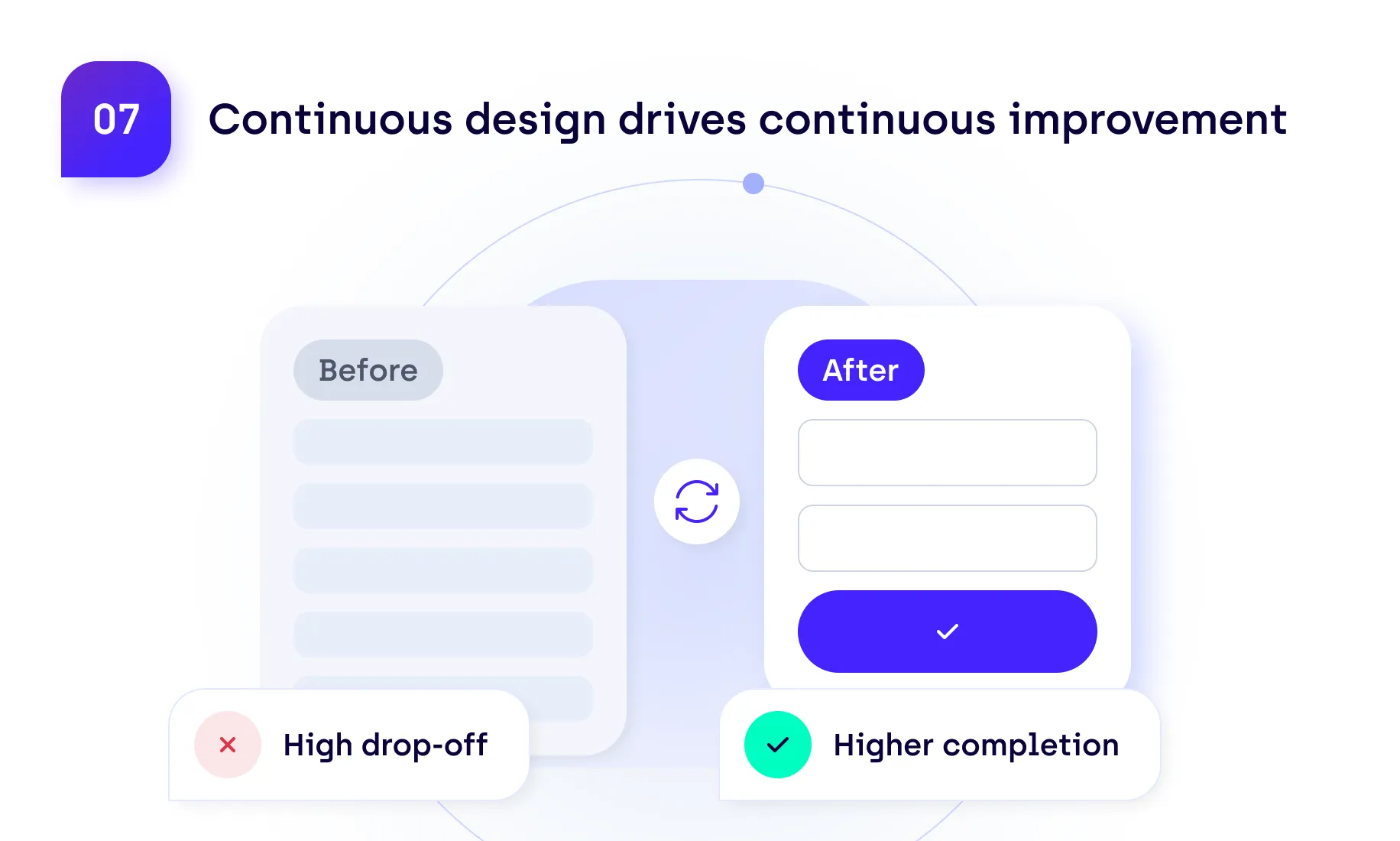
Example in practice: Imagine an online service where users regularly abandon registration halfway through. The team discovers that people are being asked for information they don't have readily available. Rather than waiting for the next redesign, it removes unnecessary fields, lets users save their progress, and checks whether more people complete registration.
What this means for businesses: Build regular UX reviews and small improvements into product development. Use feedback and behavioral data to decide what needs attention, then test whether the changes make a difference.
These trends point toward a more continuous and collaborative approach to UX/UI design. AI will help teams move faster, but expertise remains essential for evaluating quality, understanding users, and maintaining consistent experiences.
The priority isn't to adopt every new tool or redesign every interface. It's to establish a design process that can respond to changing requirements without compromising usability or accessibility.
For many businesses, that also means finding a sustainable way to access design expertise when it's needed.
Resolute Software's UX/UI Design Subscription provides ongoing design support for businesses that need additional expertise without expanding their in-house teams.
For a fixed monthly fee, organizations can submit unlimited design requests, handled one at a time, covering product, web, and marketing design needs. Depending on the selected plan, this can include interface improvements, wireframes, prototypes, design systems, and visual assets.
With experienced designers and a structured request process, the service helps businesses manage changing priorities without starting a separate engagement for every task.
Explore our UX/UI Design Subscription to see how it could support your team's design needs.